Bring accounts along
Connections guides you through linking WhatsApp, WhatsApp Business and Telegram to your Kayro account.
Kayro Messenger · A space for your people
A message, a shared moment, a call that goes a little longer. Keep your conversations close with Kayro Messenger.
Kayro Messenger · Product previews. Contact us for current app access.
A closer look
Move between your conversations, share what is happening and make time to catch up. A familiar place to keep in touch.
01 / 03
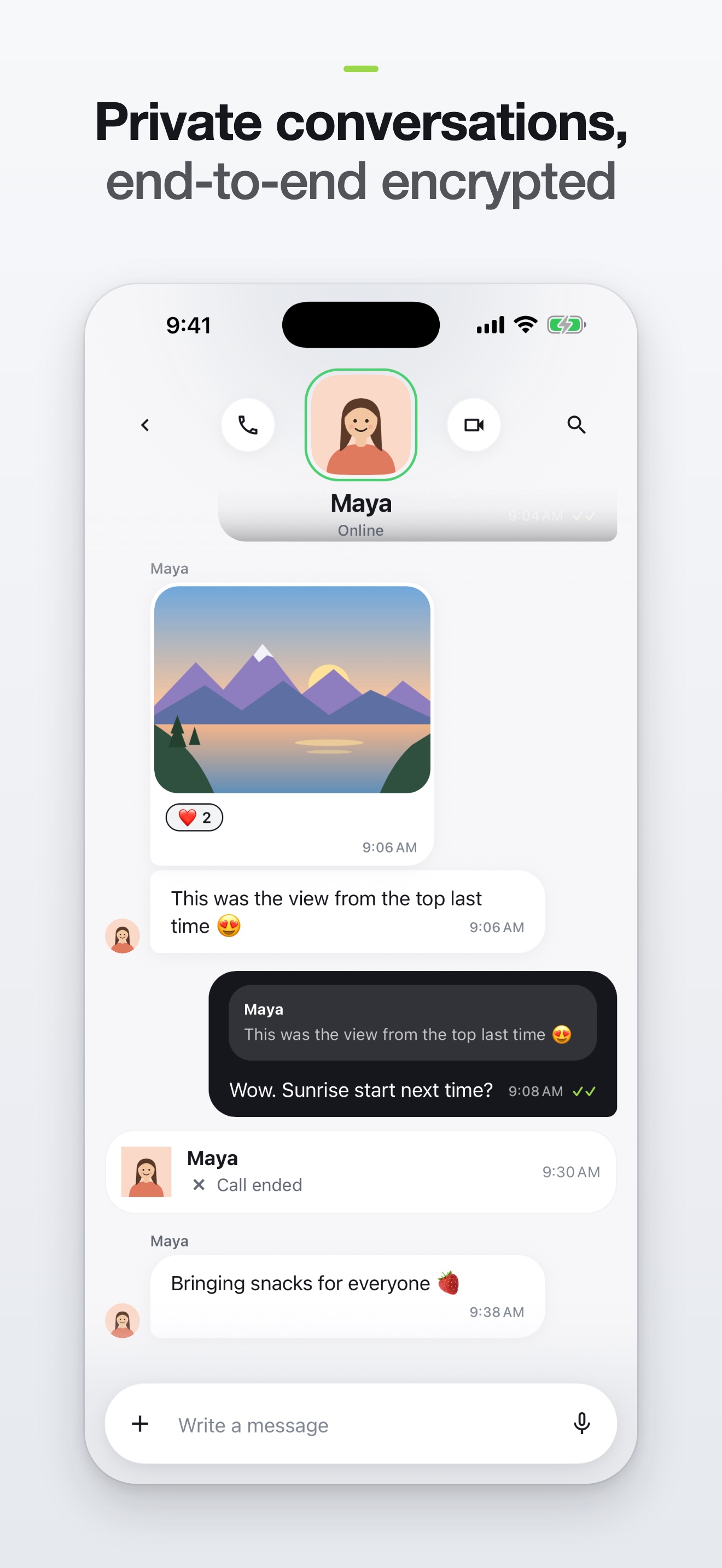
Messages and shared moments, together in the conversation.
02 / 03
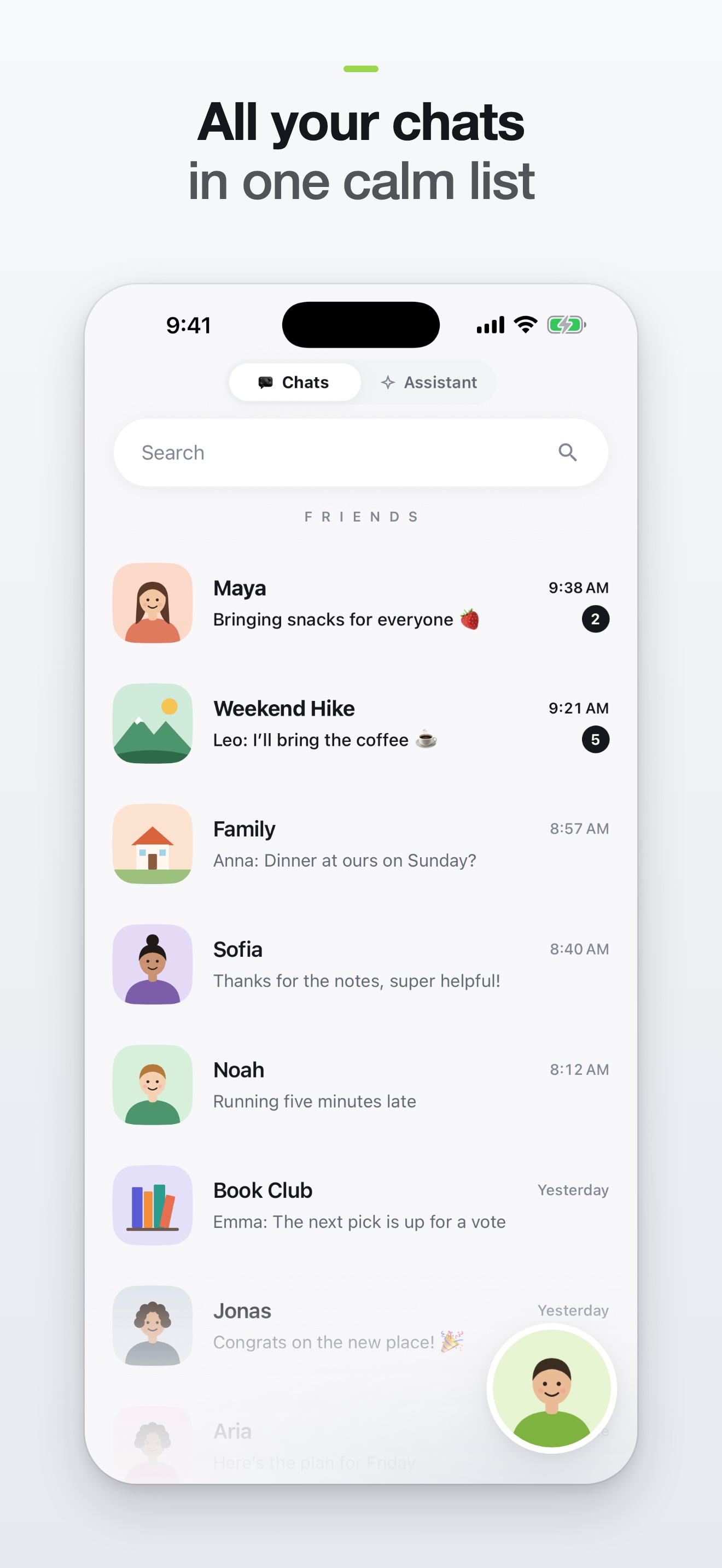
Your conversations and rooms in one place, ready when you are.
03 / 03
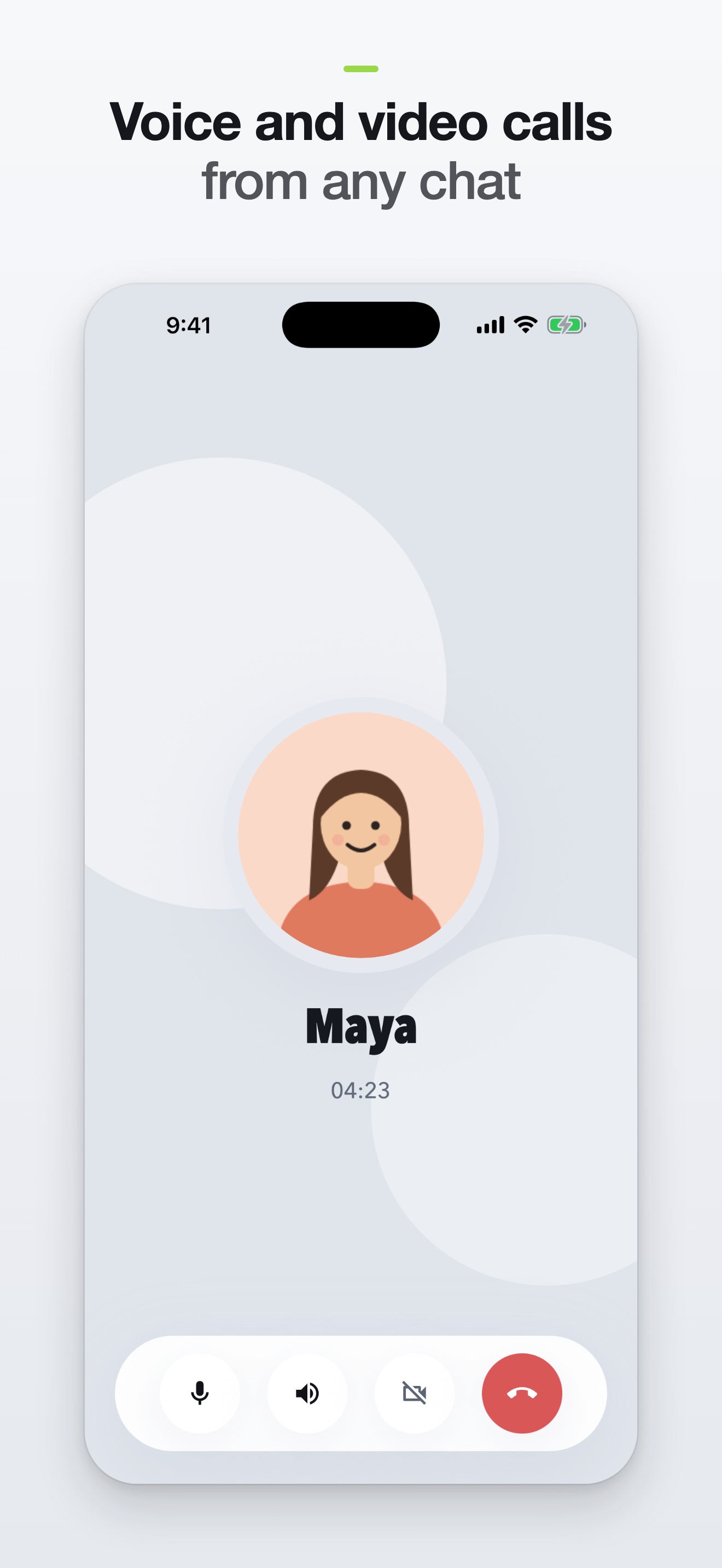
Make room for a real catch-up with calls from Kayro Messenger.
Thoughtfully connected
Connections guides you through linking WhatsApp, WhatsApp Business and Telegram to your Kayro account.
Native Matrix conversations and bridged services have different privacy boundaries. See the guide before linking an account.
Follow the app’s key and recovery instructions so you can return to your encrypted conversation history.
A few things to know
Sign in to Connections with your Kayro username and password, select a service and follow its setup. WhatsApp uses QR or phone pairing; Telegram may require a login code and two-step verification password.
Bridges connect different services. Native Matrix encryption and the privacy of a third-party service are separate. A bridge processes messages to transfer them; do not assume encryption remains end-to-end across the entire bridge.
Contact us for current app access and availability. The screenshots here are product previews.
Messenger · Cloud · Mail